
Documentation for BrandCocoon.com
Approve/Export
In this section, you will complete the study.
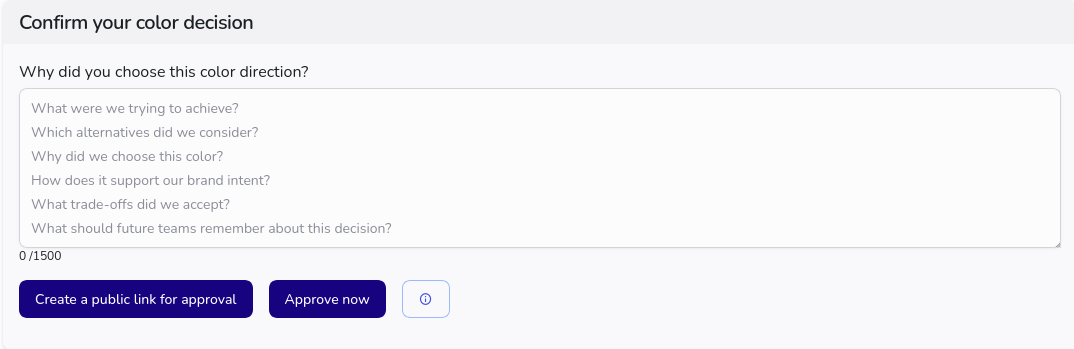
To do this, optionally enter a comment and confirm the completion (approcve). The study is then no longer editable. The data is frozen and stored as a decision point.
Alternatively, you can create a public link to share the results. Anyone with the link can view the study results. At the end of the page with the results, there is a short form to approve the study using the approval code. You can also change how long the study is publicly available. You can also set a password to further protect access to the page. To delete a public link, simply click the red button.
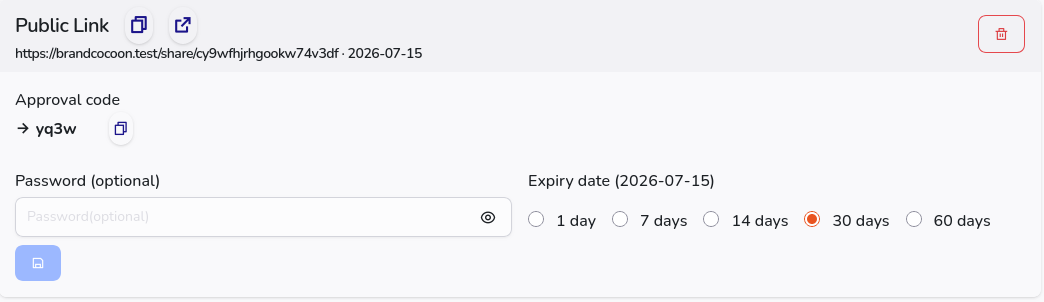
By completing the study, you can export the images and the report without watermarks.
To export, press the corresponding button.
Subscription plans starting with “Agency” and above include access to the Whitelabel section. This allows you to customize the logo, colors, and text blocks in the main body of the survey.
Studies with a team feature include a comments section.
For approved studies, the editing functions are disabled.