
Documentation for BrandCocoon.com
Managing Teams
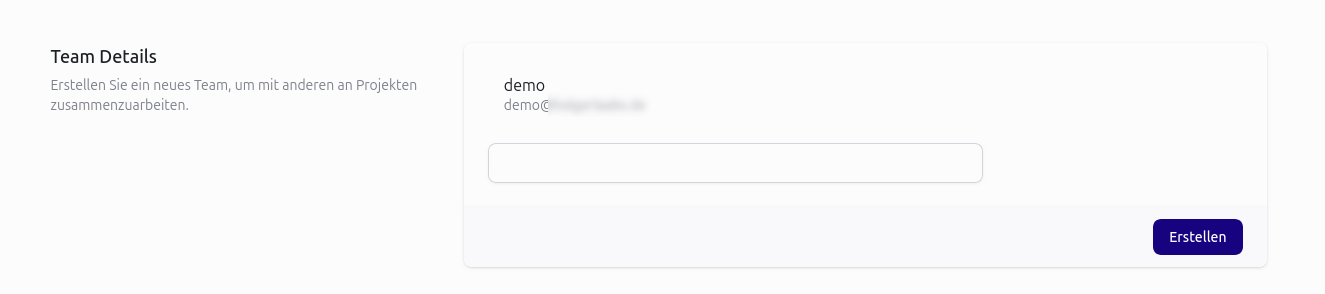
Creating a team
The team function is available for studies with a Team subscription or higher. Each user receives a team upon signing up. Therefore, manual creation is unnecessary.
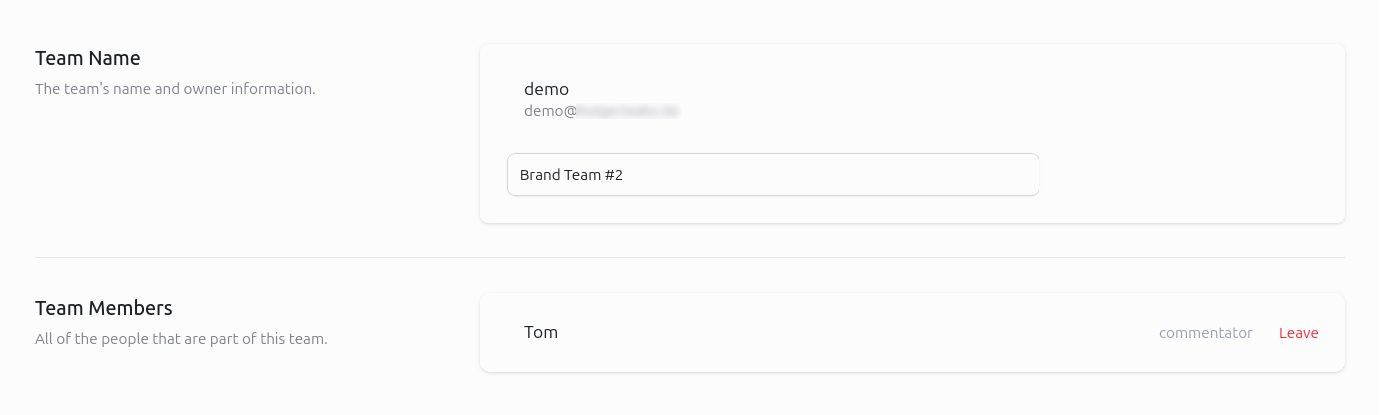
To edit a team name, enter the new name.
Inviting team members
Depending on your subscription, you can invite a certain number of members.
Team members must have an account with BrandCocoon.
To do this, enter the email address (after consulting with the desired team member) and save it. The invited user will receive a notification in their account. If email invitations have been enabled in the profile settings, the user will also receive an email.
If you’d like to notify the person again, you can copy the invitation link and send it to them.
The person can confirm their membership using the link.
Managing team membership
The invitation link only works in the logged in customer account. After confirming the invitation, the new team member can access and comment on studies assigned to the team and terminate their membership in Team Options.
Team related notifications
There are some team related notifications. In the profile settings you can choose how to reveive them. Options are wither within the customer account or additionally via email.
New Study For Team Notification: If a new study becomes available for the team, team members receive a notification.
Study Approved Notification: If the team owner approves a study, the team members are notified.
Study Deleted For Team Notification: If a study is deleted, than team members are informed.
Team Invitation Notification: If a team owner invites a member, there is this notification that includes the confirmation link.
Update Study For Team Notification: If the team owner updates the study, the team members are informed.