
Documentation for BrandCocoon.com
Tickets (Subsbscription required)
Users with subscription can use the ticket system. This is for reporting bugs, proposing improvements or asing questions for the use of color.city. Typically we respond in 24-48h.
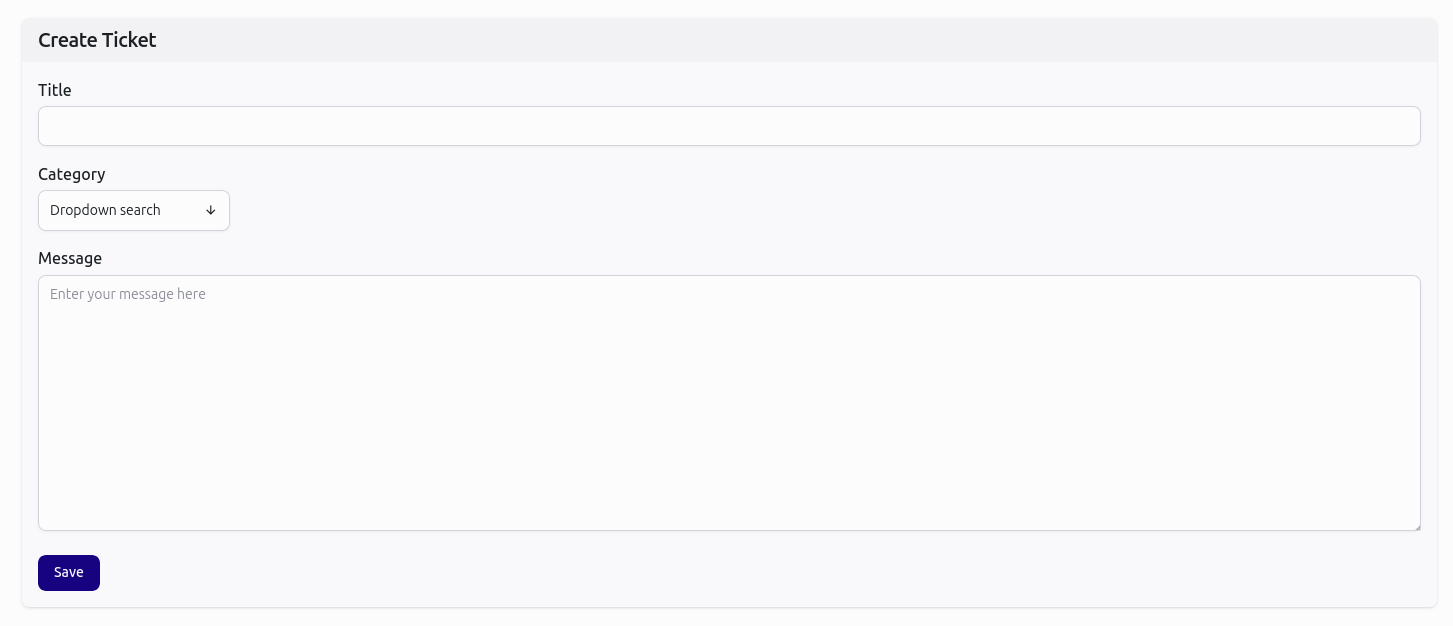
You may find answers already covered in these guides. In any case we will use the topics to fuel the guides to help you find answers faster.
To create a ticket, you can use the feedback button on every page. Questions and bugs are going to automatically create a ticket.
The other option is to navigate to the tickets section in the main menu and to press the button create ticket.
After submitting the ticket, you will find the ticket in the list showing the status.
Notifications about tickets
You may choose to receive emails when the status of a ticket is changed or a new message is received. This is in addition to the in app notification. Changing this setting is possible under settings.
Reply to a message
You may choose to reply to a message by navigating to the ticket via the main menu and ticket list. Opening the ticket with the eye-button and pressing the reply button.
Closing a ticket
You may choose to close the ticket by pressing the green button in ticket list.
Reopen a closed ticket
You may choose to reopen a closed ticket by pressing the yellow button in ticket list.
Deleting a ticket
Tickets are auto deleted after 6 months of creation.